



General
Node2Shell (CVE-2026-111497): How to Patch the Brotli Vulnerability in Node.js and Your eCommerce Stack
Nikki Kumari|Oct 30, 2026|Read 8 Min



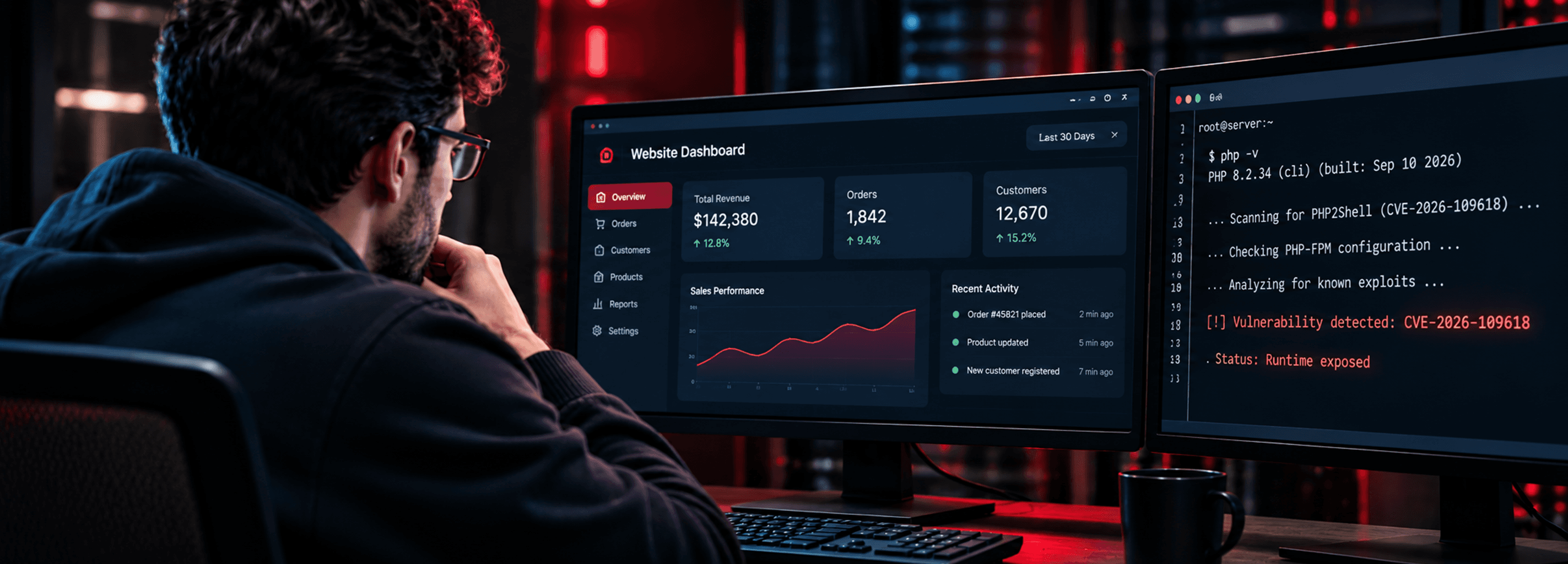
On October 21, 2026, the PHP development team released emergency patches for two critical vulnerabilities collectively named PHP2Shell. CVE-2026-109618 and CVE-2026-109619 both carry a CVSS v4.0 score of 9.2, making them among the most severe PHP vulnerabilities disclosed in the past decade. By October 26, CISA added PHP2Shell to its Known Exploited Vulnerabilities catalog, confirming active exploitation in the wild.
Most eCommerce teams found out about PHP2Shell when a developer checked, confirmed the application was patched, and moved on. However, PHP2Shell does not live in your store’s code. It lives in the PHP engine running underneath it, and no application update touches that, leaving a fully patched store still sitting on an exposed server.
Most security patches target the application layer, including the framework, the plugins, and the custom code your team wrote. PHP2Shell is different, targeting the PHP runtime vulnerability, the engine your server uses to execute every PHP file before your application logic runs.
CVE-2026-109618 allows an attacker to achieve remote code execution through a crafted request that exploits how PHP-FPM handles certain input. CVE-2026-109619 builds on this by enabling privilege escalation once initial access is established. Together, they give an attacker the ability to execute arbitrary commands on your server with the permissions of the PHP process.
No amount of application patching closes this. The fix is a PHP runtime upgrade to version 8.5.12, 8.4.27, 8.3.36, or 8.2.35. If your infrastructure is running PHP 8.1 or older, no official patch exists, as those versions are outside the support window and will not receive one.
For platform-specific patch guidance, see our Adobe Commerce PHP2Shell breakdown
The answer is often yes, as PHP version management on production servers is infrastructure work, not application work. It requires coordination between your hosting environment, server configuration, and deployment pipeline.
On self-managed cloud infrastructure, this means running the actual check on each server. The command is simple:
php -v
But running it across production, staging, and any auxiliary environments takes deliberate access and time. Teams running containerized workloads need to verify the PHP version baked into each active image, not just the base image in their repository. A container built three months ago may still be live and still be vulnerable.
PHP 8.2 reaches end of life on December 31, 2026. If your infrastructure is on 8.2, the PHP security patch 2026 upgrade to 8.2.35 is available now, but the longer-term move to a supported version needs to be on your roadmap before the year ends.
Remote code execution at the runtime level is not a limited breach. An attacker who exploits PHP2Shell on your server can read files, write files, execute system commands, and move laterally depending on how your infrastructure is segmented.
For eCommerce infrastructure, the exposure covers:
The attack surface is everything the PHP process can reach, which on a self-managed server is typically significant. The vulnerability was being actively exploited for four days before the patch existed. If your infrastructure was exposed during that window, remediation is not just patching. It is also investigation.
Patching a PHP runtime vulnerability takes more than running a command on production. The steps vary by infrastructure, and each environment introduces its own dependencies, deployment requirements, and risks.
PHP upgrades require package manager coordination, dependency checks, and service restarts. With PHP-FPM, teams must also ensure the relevant worker processes have restarted and are running the patched runtime.
If PHP is baked into a Docker image, fixing the PHP2Shell exposure requires rebuilding and redeploying the image with a patched runtime. When using third-party base images, verify that the maintainer has released an updated version. Pulling the same image tag does not guarantee you will receive the patched image, particularly if the tag has not been updated.
Emergency patch cycles often prioritize production, leaving staging behind, however, staging systems can also expose vulnerable runtimes. If attackers can reach a staging environment, they may exploit it as an entry point into other systems, depending on network access, credentials, and security controls.
Older PHP versions that no longer receive security updates cannot be protected through a new upstream runtime patch. If your infrastructure runs an unsupported version affected by this PHP RCE vulnerability, you need to assess the exposure and plan an upgrade or migration. Where immediate upgrades aren't feasible, isolation and other compensating controls can help reduce risk, but they do not replace a supported, patched runtime.
Applying the patch is the first step, and verifying it is a separate one that most teams skip.
After upgrading, confirm the running PHP version on each server with php -v and verify that PHP-FPM is serving the updated binary. On containerized deployments, confirm that production is running the rebuilt image and not a cached layer from an older build.
If your infrastructure was running a vulnerable version during the October 17 to October 21 window, the PHP security patch 2026 does not undo any access that may have already occurred. Review your web server access logs for unusual POST requests, unexpected outbound connections, or process execution patterns that fall outside normal behavior. Look at recently modified files in your web root and configuration directories and check for new user accounts or SSH keys added to the server.
Most eCommerce engineering teams run into the real problem here. PHP2Shell is an infrastructure vulnerability, and fixing it requires access to the server, the ability to manage PHP versions, the knowledge to verify the patch took effect, and the capacity to investigate whether the PHP shell vulnerability was exploited before the patch existed.
Development teams own the application while hosting providers often own the physical infrastructure but not the software stack running on it. In a self-managed cloud environment on AWS, GCP, or Azure, the PHP runtime sits in between those two responsibilities, and nobody is automatically watching it.
For eCommerce brands running their own cloud infrastructure, that gap is the risk. PHP2Shell is a concrete example of what happens when a critical PHP runtime vulnerability emerges and there is no team with a clear mandate to respond to it at the infrastructure level.
A dedicated DevOps function closes that gap. Not because it adds a security team, but because it places someone with the right access, the right tools, and the right responsibility on the infrastructure layer where vulnerabilities like PHP2Shell actually live.
Visiting a site does not put end users at direct risk from the vulnerability itself, as the risk is on the server side. PHP2Shell gives attackers access to the server running PHP, which means customer data already stored there, such as order records, account details, and session tokens, can be exposed or exfiltrated. For eCommerce stores, that stored data is the exposure, not the act of browsing.
No, application-level patches update your store’s code. PHP2Shell lives in the PHP runtime underneath that code. A store can be fully up to date at the application layer and still be running a vulnerable PHP version. The fix requires a PHP runtime upgrade, not an application update.
Patching closes the vulnerability going forward, but it does not undo access that may have already occurred. PHP2Shell was being actively exploited before the patch existed. After upgrading, check your session directory for unusual files, review cron jobs and authorized keys, and look for recently modified files in your web root. If you find indicators of compromise, rebuild rather than clean.
No, managed hosting providers typically push PHP runtime updates quickly. The higher risk sits with self-managed infrastructure on AWS, GCP, or Azure, where the PHP runtime is the team’s own responsibility. If no one has a clear mandate to manage the infrastructure layer, the patch may not have been applied or verified.
Not necessarily. Pulling the same tag only guarantees the patched runtime if the upstream maintainer has explicitly pushed an updated image to that tag. Teams running containerized workloads need to verify the PHP version inside the running container, not just check what tag is referenced in the configuration.

Get tailored technology solutions to scale your retail business online
Request A Quote

Stay ahead with insights, trends, and brand success stories from the world of Digital Commerce.


With the world's leading digital commerce agency.